
Handwritten Signature Generator
Create a clean image of your signature for signing documents electronically. Type your name to preview it in several handwriting-style fonts, or draw your own signature with a mouse, trackpad, finger or stylus. Choose the ink colour and thickness, then download a transparent PNG to place in PDFs, contracts, letters and email signatures.
- Free to use
- No sign-up
- Runs in your browser
Signature generator
Document Signing & Records Kit
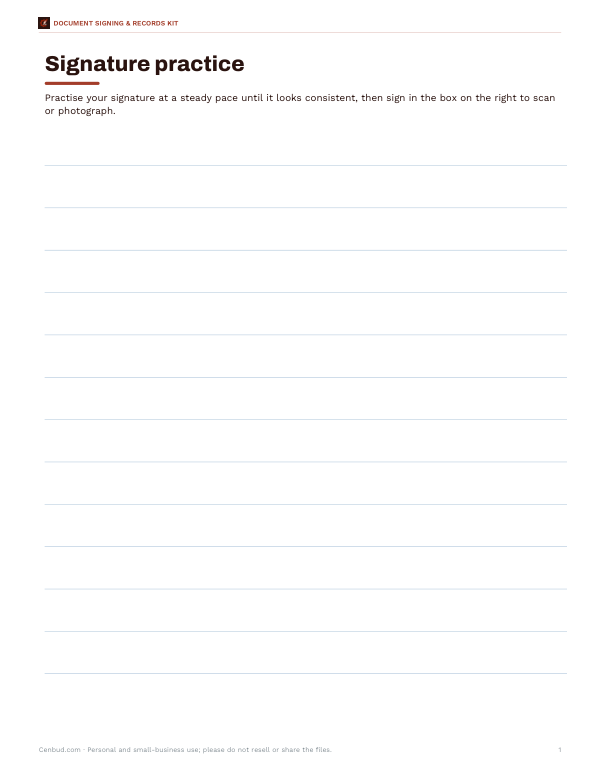
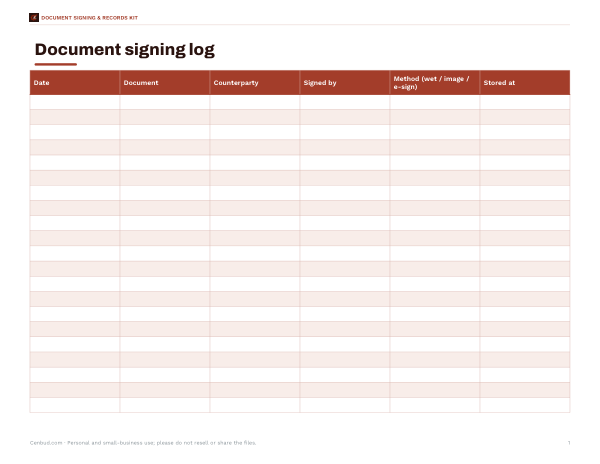
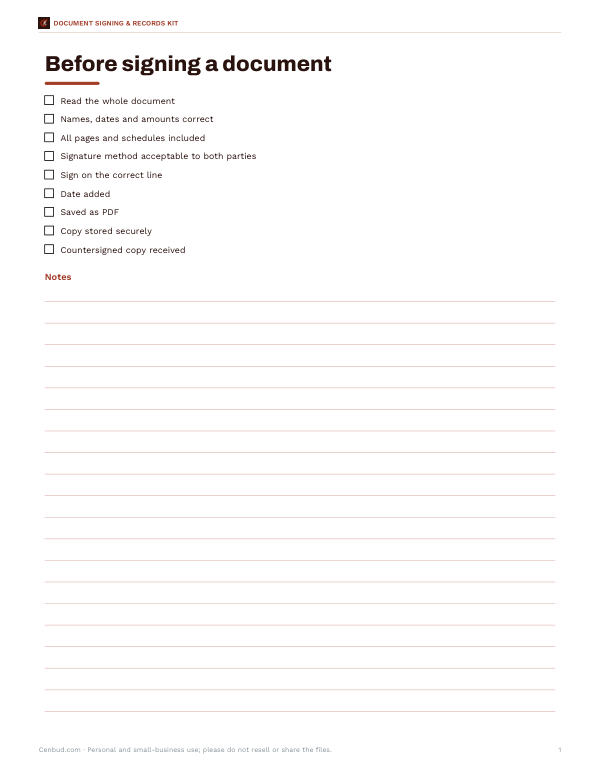
Printable signature practice sheet, a signing log for contracts and forms, a document signing checklist and an e-signature policy template for small teams.
- Signature practice sheet (PDF)
- Signing log (XLSX)
- Signing checklist (PDF, DOCX)
- E-signature policy template (DOCX)
Formats: PDF, XLSX, DOCX. Instant download after payment (link valid 72 hours, up to 5 downloads). AI-assisted: the templates were drafted with AI help and reviewed and laid out before publishing.
$5.00 USD, one-time 4 files · about $1.25 each
- Instant download
- 7-day refund
- Secure checkout by Stripe
7-day money-back guarantee. Full refund within 7 days of purchase, even after you download.
Free sample: Document Signing Checklist (PDF, 49 KB)
Full refund within 7 days — see the refund policy and license.
Free printables
Single sheets you can print right now, no sign-up. The full pack adds every sheet in one download plus the editable files.
 Printable E-Signature Policy Template
How to create your signature
- Choose “Type” to see your name in several signature-style fonts, and click the one you like; or choose “Draw” to sign with your mouse, trackpad, finger or stylus.
- Pick the ink colour — black or blue are the usual choices for documents.
- In draw mode, set the pen thickness and use Undo or Clear to try again.
- Click “Download PNG”. The image has a transparent background and is cropped close to the signature.
- Insert the PNG into your document, PDF editor or email signature.
Drawn signatures look most natural when signed at a steady speed; slow, careful drawing produces shaky lines. Try a few times — it usually improves quickly. A stylus on a tablet gives the most realistic result.
Typed vs drawn signatures
| Typed (font) | Drawn | |
|---|---|---|
| Looks like | Neat, consistent script | Your real handwriting |
| Best for | Email sign-offs, informal documents | Contracts, letters, forms where a personal signature is expected |
| Consistency | Identical every time | Close to your usual signature |
| Depends on | Fonts installed on your device | Your drawing device and practice |
The fonts shown depend on what is installed on your computer or phone, so the list of available styles varies between devices.
Using your signature image
- PDF documents — most PDF readers let you add an image or “stamp”; place the PNG on the signature line and resize it.
- Word and Google Docs — insert the image, set wrapping to “In front of text” and position it over the line.
- Email signatures — keep it small (about 150–250 pixels wide) or use a typed name instead; many recipients see images as attachments.
- Letters and invoices — add it above your typed name and title.
Because the background is transparent, the signature sits naturally on coloured or lined backgrounds.
Is an image of a signature legally valid?
In many countries, including the United States under the ESIGN Act and state UETA laws, and the EU under the eIDAS Regulation, electronic signatures can be legally valid for many kinds of documents, provided the signer intends to sign and the parties agree to do business electronically. A pasted image is one form of simple electronic signature. Some documents — such as wills, certain property transfers and documents requiring notarisation — have stricter rules. Dedicated e-signature services add audit trails, identity checks and tamper-evident seals that provide stronger evidence. When it matters, check what the recipient accepts and seek legal advice.
Protecting your signature
- Only create a signature for yourself — never use this tool to reproduce someone else’s signature.
- Do not post your signature image publicly or leave it in shared folders.
- Send signed documents as PDFs rather than editable files so the image cannot easily be copied or moved.
- Keep the original PNG in a secure location.
- For high-value agreements, prefer an e-signature service with identity verification.
Signature size and placement
On most documents a signature line is 2–3 inches (5–7.5 cm) wide. Resize the image so the signature fills most of the line without spilling over neighbouring text, and align its baseline slightly above the printed line, as a pen signature would sit. Keep the image proportions locked when resizing so the signature is not squashed. For initials on each page, create a second, smaller image with your initials only.
Wet signatures still have a place
Some organisations and documents still ask for an original handwritten (“wet”) signature, for example certain government forms, court filings or documents that must be witnessed or notarised. In those cases a signature image is not a substitute. If you are unsure, ask the person or organisation requesting the signature which methods they accept before you sign.
Tips for a good-looking signature
Sign at a comfortable size — about the width you would sign on paper — then let the tool crop it. Use black or dark blue at medium thickness for documents. If your drawn signature looks jagged, sign a little faster and use a larger drawing area, such as a tablet in landscape. For typed signatures, try the full name and a shorter version (initial and surname) to see which looks better.
Worked example
A freelancer needs to sign a PDF contract sent by a client. They choose Draw, sign “Jordan Lee” with a finger on their phone in dark blue at medium thickness, and download the 2× resolution PNG. In their PDF reader they add the image on the signature line, resize it to the width of the line, type the date, and save the PDF before emailing it back.
Privacy
Your signature is created and stays in your browser. It is not uploaded, stored or shared. Close the page to clear it.
Frequently asked questions
How do I make a digital signature image?
Type your name and choose a style, or draw your signature, then download the transparent PNG.
Is the background transparent?
Yes, the PNG has a transparent background.
Is my signature uploaded?
No, it never leaves your device.
Can I use it on a PDF?
Yes, add it as an image or stamp in your PDF reader.
Is a signature image legally binding?
Electronic signatures are valid for many documents in many countries, but some documents have stricter requirements; check what applies.
Why do the fonts look different on another computer?
Typed styles use fonts installed on your device.
Can I use the signature on my phone?
Yes, both typing and drawing work on phones; drawing with a finger or stylus often looks most natural.
Can I change the ink colour later?
Yes, choose a new colour and download again; drawn strokes are redrawn in the new colour.